ODS Integration of phpBB
What is phpBB?
phpBB is the most famous Open Source product for online forums. Here you can find instructions how to use Virtuoso Database for hosting phpBB tables, and use it as Application Server with php hosting.
Install VAD
- Start virtuoso db using the hosting_php.so ( .dll for win users).
In oder to use this plugin, it needs to be included in your virtuoso ini file as follows:
...
[Plugins]
# for ex. here the location of the plugins is the plugin folder
LoadPath = ./plugin
...
Load6    = Hosting,hosting_php.so
...
- Notes: Make sure you have the following line in your virtuoso.ini section [Parameters] (for instance that is used for phpBB database).
If not set phpBB would not work correct with the Virtuoso DB:
PrefixResultNames = 0
- Notes: Make sure you have the following line in your virtuoso.ini section [Parameters] (for instance that is used for phpBB database).
If not set phpBB would not work correct with the Virtuoso DB:
- Setup "Local Virtuoso" DSN (note the empty space in the name!) in order to access any of the application URLs.
- For windows users, please perform the following steps:
- Go to Start >> Settings >> Control Panel >> Administrative Tools >> Data Sources (ODBC)
- Go to tab "User DSN" and click "Add"
- Select the "OpenLink? Virtuoso (version)" driver and click "Finish"
- Enter "Name":
Local Virtuoso - Enter "Description":
My Local Virtuoso - For "Server", enter your Virtuoso's hostname and ISQL port, e.g.,
localhost:1116 - Click "Next"
- Enter a username for "Login ID", e.g.,
dba - Enter the user's "Password".
For dba, the default password is
dba - Click "Next"
- Click "Finish".
- For windows users, please perform the following steps:
- Installing packages:
- Using ISQL:
- Install the ODS ods_framework_dav.vad package:
DB.DBA.VAD_INSTALL('tmp/ods_framework_dav.vad',0);
- Install the phpBB3 phpBB3_fs.vad package:
SQL> DB.DBA.VAD_INSTALL('tmp/phpBB3_fs.vad',0);
- Install the ODS ods_framework_dav.vad package:
- Using Conductor UI:
- For more information see here.
- Using ISQL:
Linked Data View Scripts
- You can find the phpBB3 Linked Data View scripts here. Note that they are included in the phpBB3 package.
Configuration
- In case you want to change the dba password, you need to locate the file below in your FS and change the $dbpasswd value:
vad\vsp\phpBB3\config.php
- Important: In the config.php file leave the tables prefix to default "phpbb_" as well as $dbuser.
phpBB3 Administration
- For more information see here .
phpBB3 and ODS Newsgroups
- Install the ODS Discussion ods_discussion_dav.vad package.
For ex.
from ISQL:
SQL>DB.DBA.VAD_INSTALL('tmp/ods_discussion_dav.vad',0);
-
phpBB-news-create_procedures.sql: create procedures which are needed later:
isql localhost:1116 dba dba phpBB-news-create_procedures.sql
-
phpBB-news-fill_tables.sql: modifies the phpBB tables and fills them with data from Virtuoso News tables and ODS tables:
isql localhost:1116 phpBB-news-fill_tables.sql
-
phpBB-news-create_triggers.sql
: creates the triggers which will sync the data between phpBB and Virtuoso news tables:
isql localhost:1116 phpBB-news-create_triggers.sql
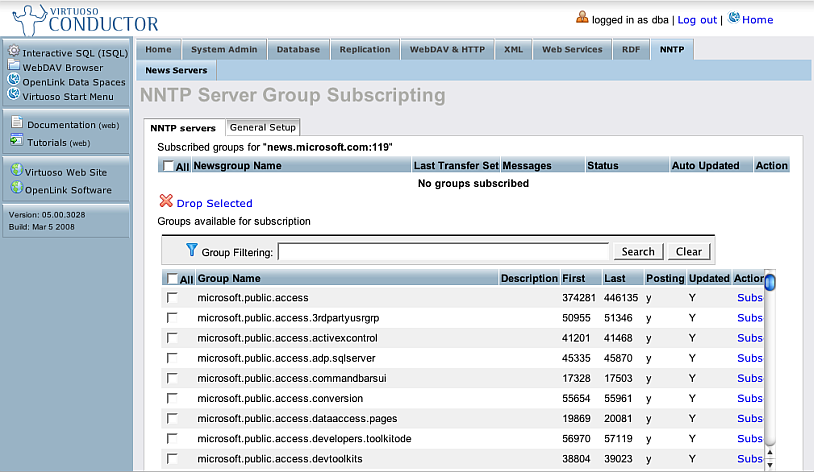
- In order to make new news groups or to subscribe to other servers you should use the admin or Conductor UI:
- From ISQL install the Conductor conductor_dav.vad package:
DB.DBA.VAD_INSTALL('tmp/conductor_dav.vad',0);
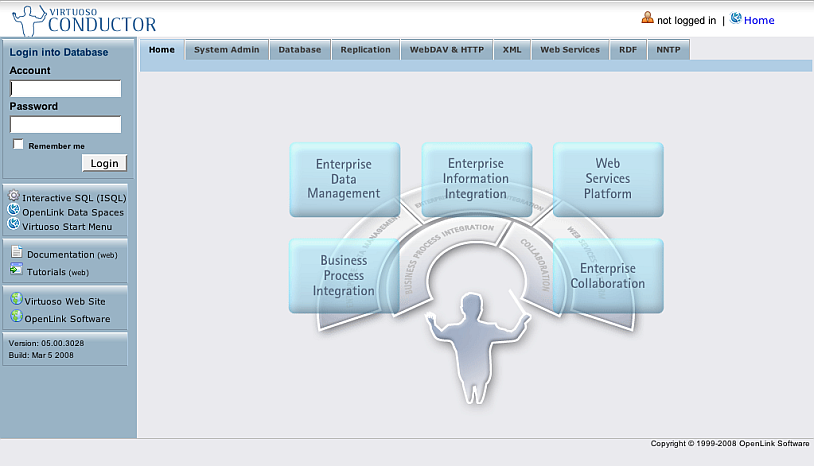
- Go to http://host:port/conductor
-
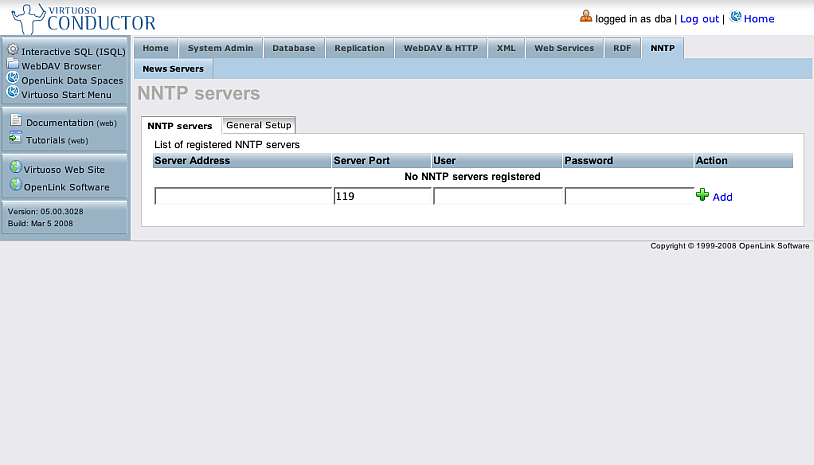
- Login as dba and go to NNTP:
-
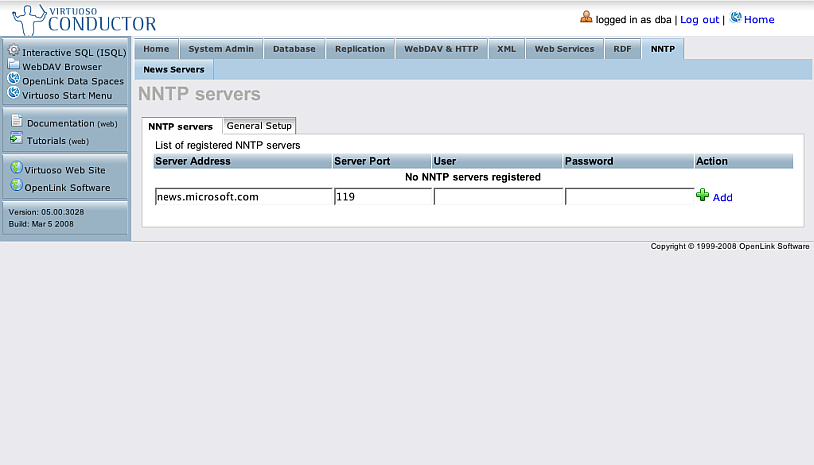
- Enter Server Address, port and if needed user name and password and click the button "Add".
-
- Click the server address link
-
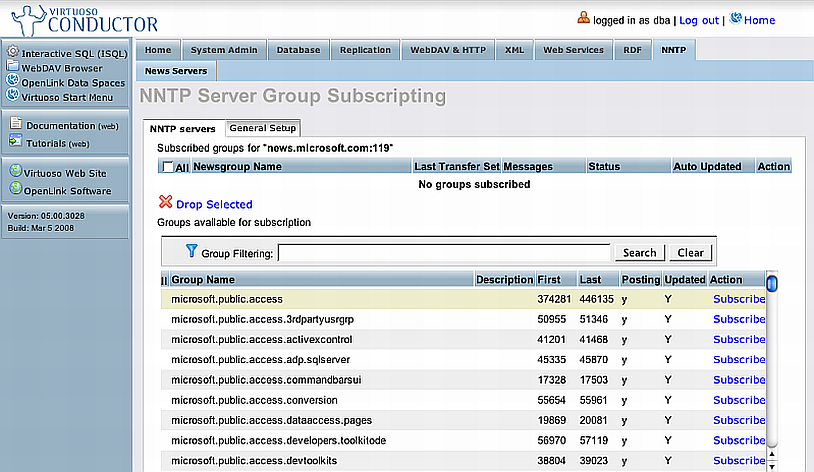
- Click the "Subscribe to newsgroups" link.
-
- Click the Subscribe link for Group name
-
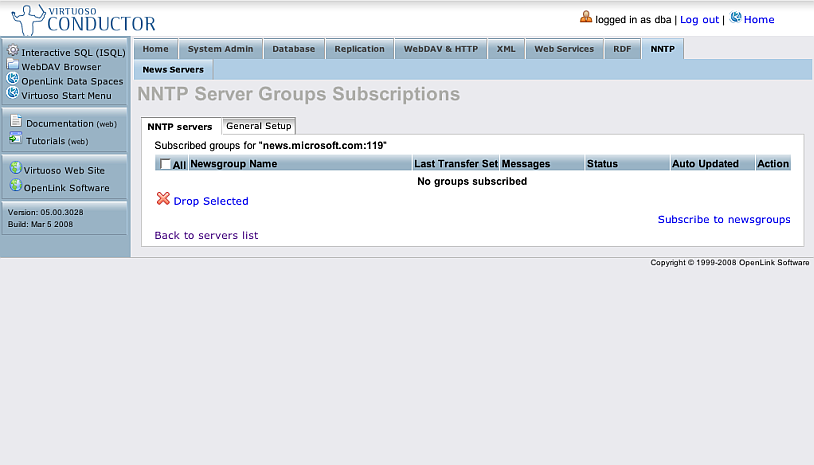
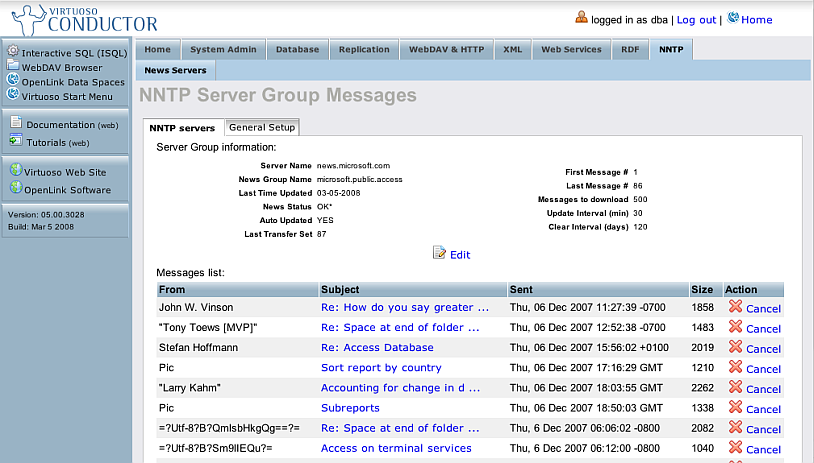
- As result the group will be shown in the list of "Subscribed groups for ..." Click its Newsgroup name link.
-
- As result will be shown the page with information about the newsgroup and the messages that have been retrieved.
-
- From ISQL install the Conductor conductor_dav.vad package:
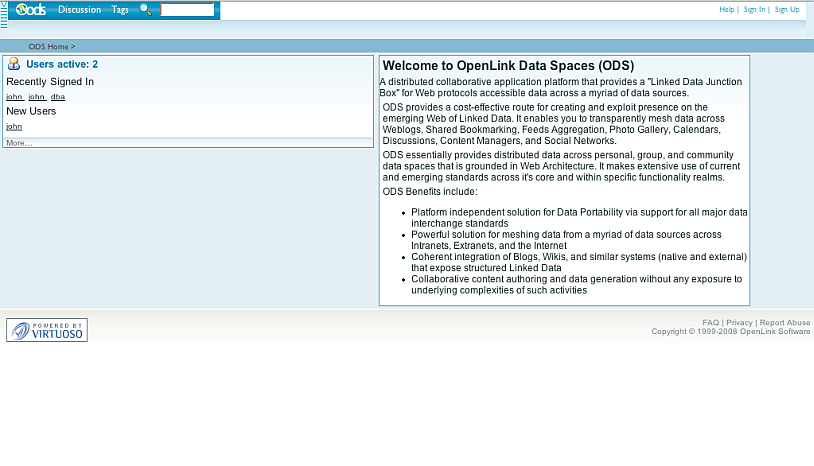
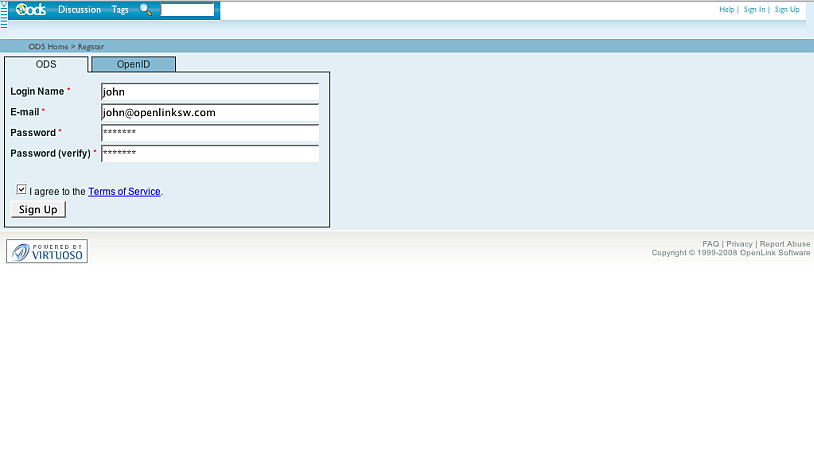
- Register in ODS.
Then with the created account you will be able to log in at phpBB3 UI:
- Go to http://host:port/ods
-
- Click the "Sign Up" link
- Enter in the shown form Login Name, etc, and click the "Sign Up" button.
-
- Go to http://host:port/ods
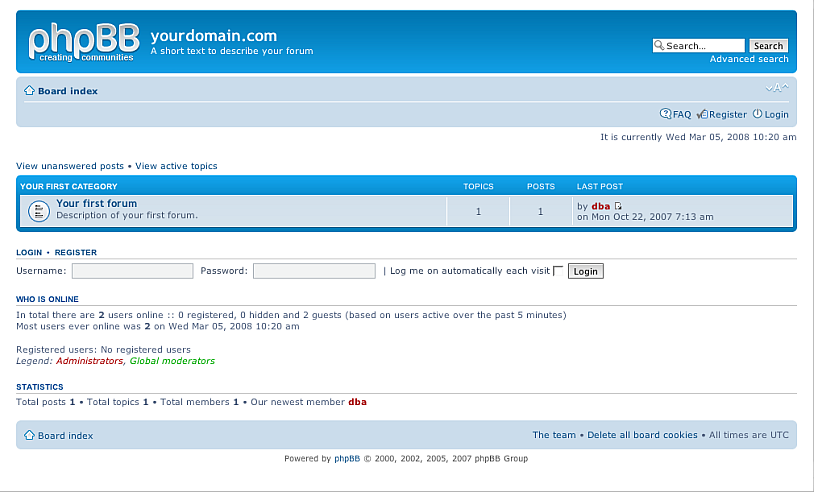
- Access the phpBB3 home page: http://host:port/phpBB3
-
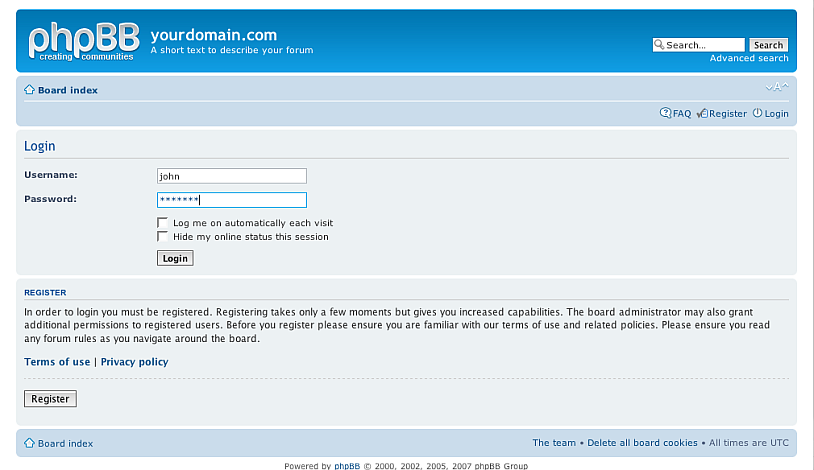
- Click the Login link and enter the user name and pwd you have entered when registering in ODS:
-
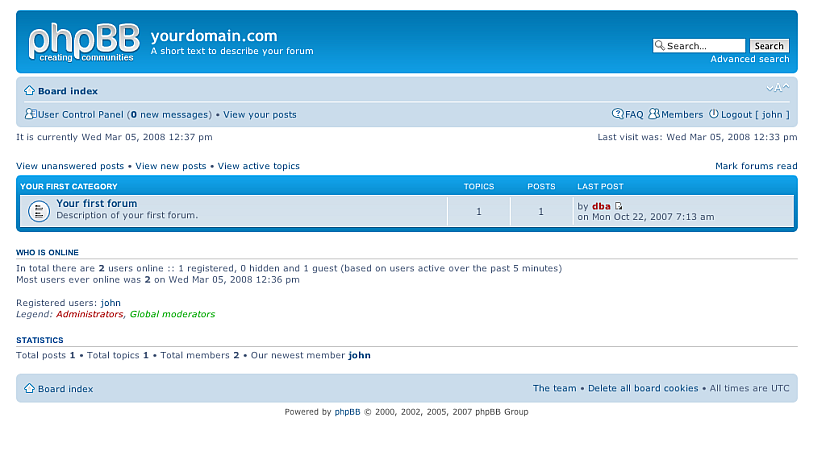
- As result you will be successfully logged in to the phpBB3 UI.
-
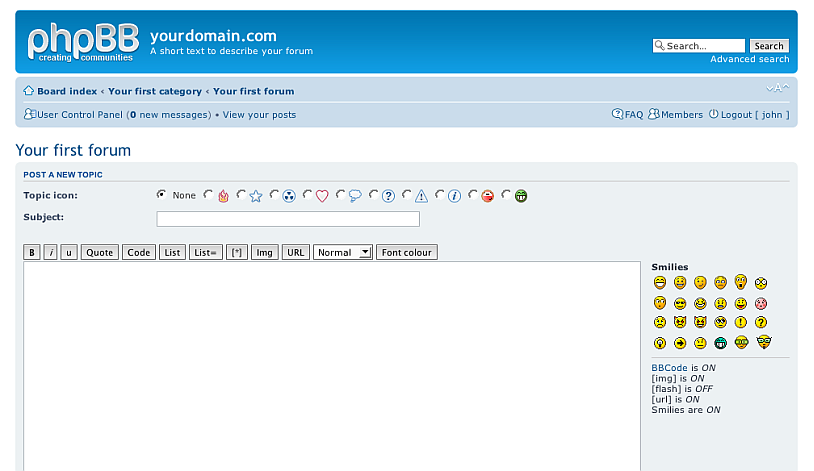
- Click the link of the forum with name "Your first forum".
-
- Click the "new topic" button
-
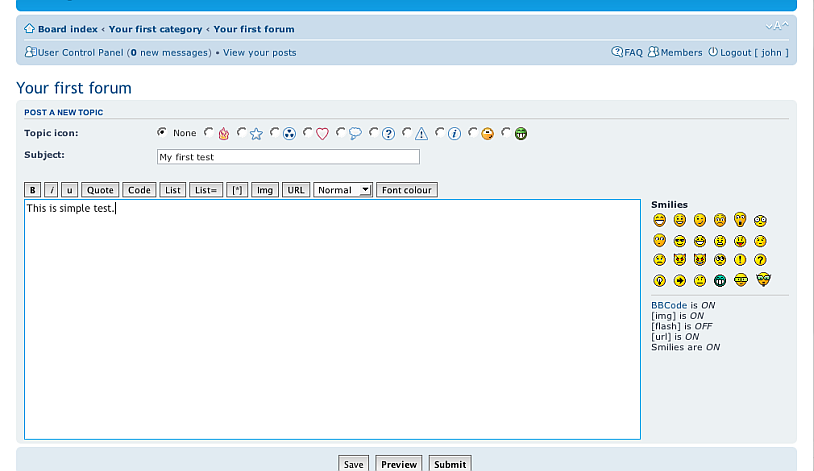
- Enter in the form in the Subject and text-area fields some values and click the "Submit" button.
-
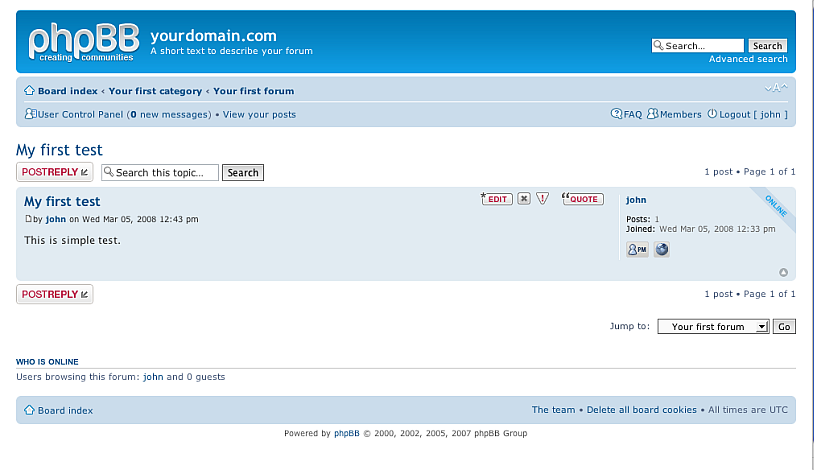
- As result your topic will be created.
-


Newsgroup support available
In case you have installed the ODS Discussion ods_discussion_dav.vad package, executed the 3 files as described above and added a newsgroup from Conductor, then:
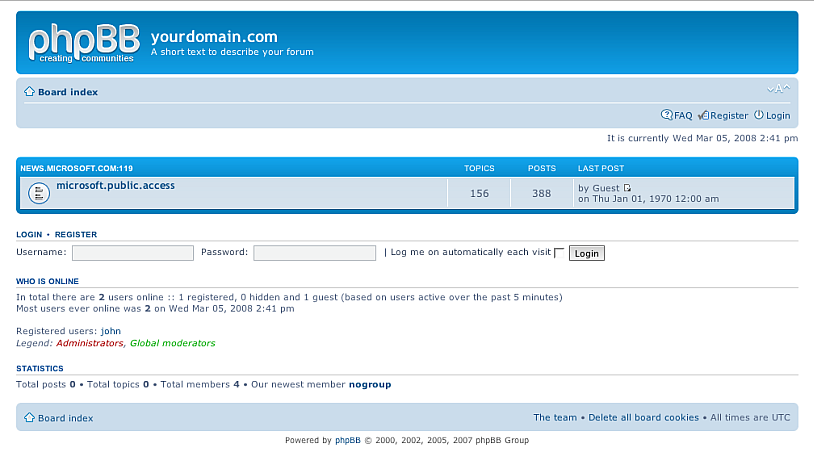
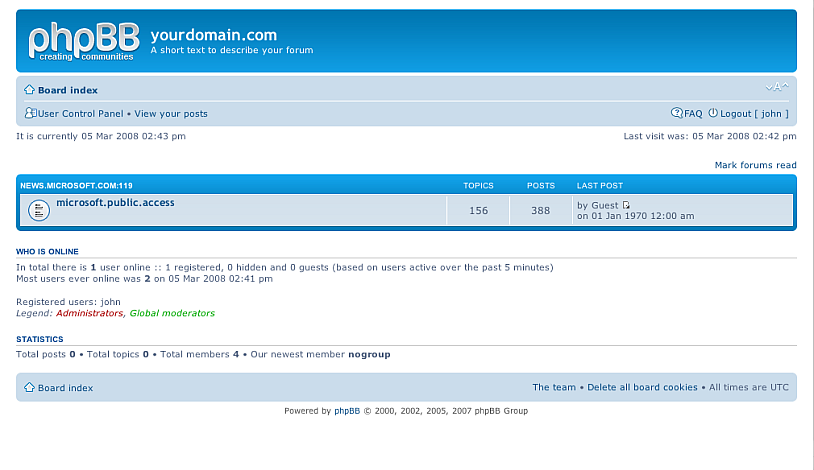
- Access the phpBB3 home page: http://host:port/phpBB3:
-
- As result will be shown the phpBB3 UI with list of the subscribed for NewsGroups?.
Click the Login link and enter the user name and pwd you have entered when registering in ODS:
-
- As result you will be successfully logged in to the phpBB3 UI.
-
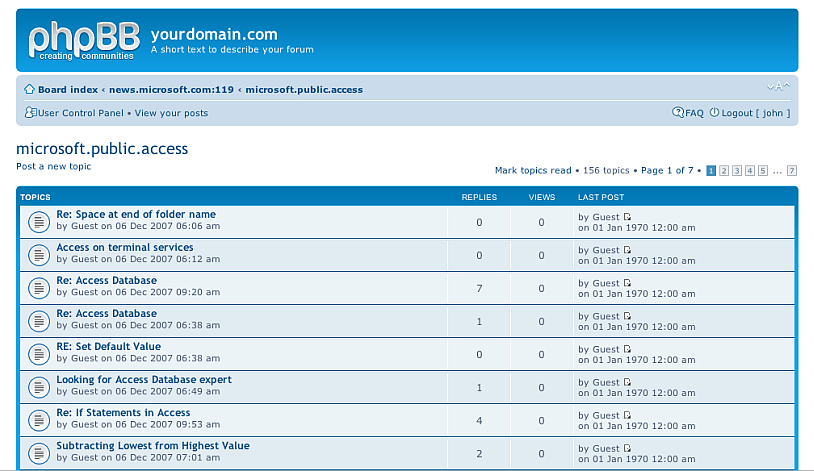
- Click on the newsgroup name link.
-
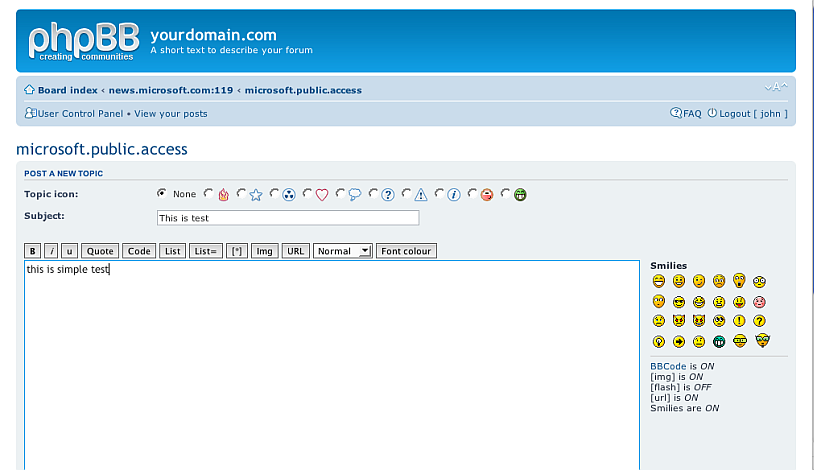
- As result will be shown the posts for this newsgroup. Click the "Post a new topic" link.
- Enter in the form in the Subject and text-area fields some values and click the "Submit" button.
-
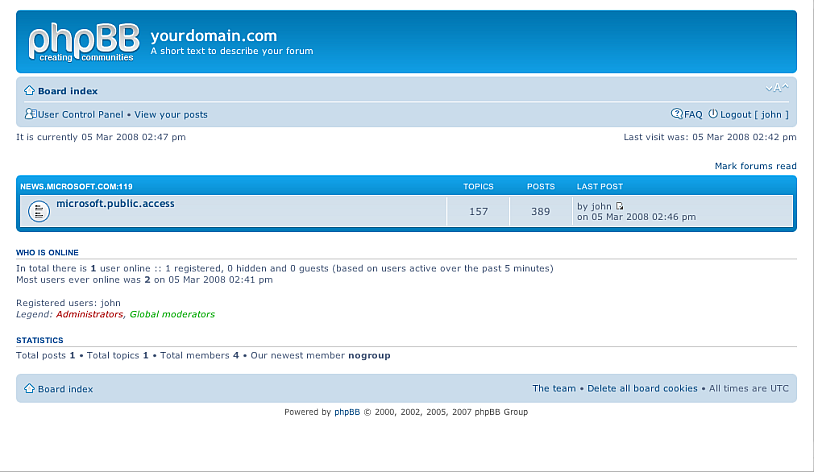
- As result your topic will be created.
-
- You can view your post also from the ODS UI:
- Go to http://host:port/ods and login as ODS user.
-
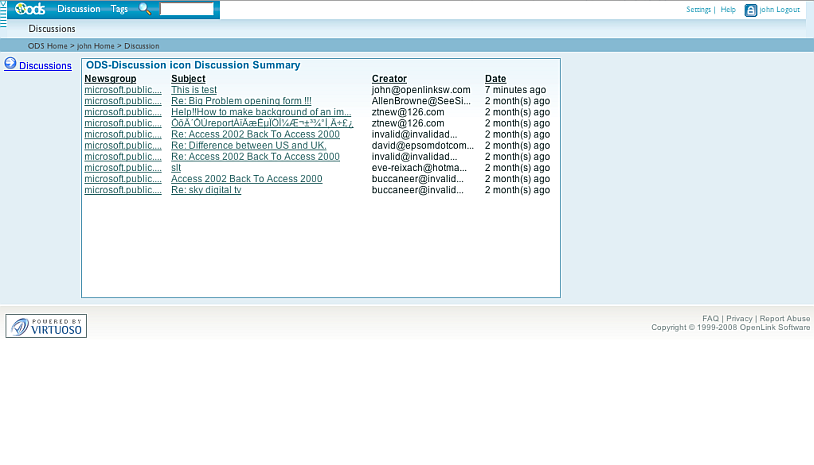
- Go to ODS->Discussions
-
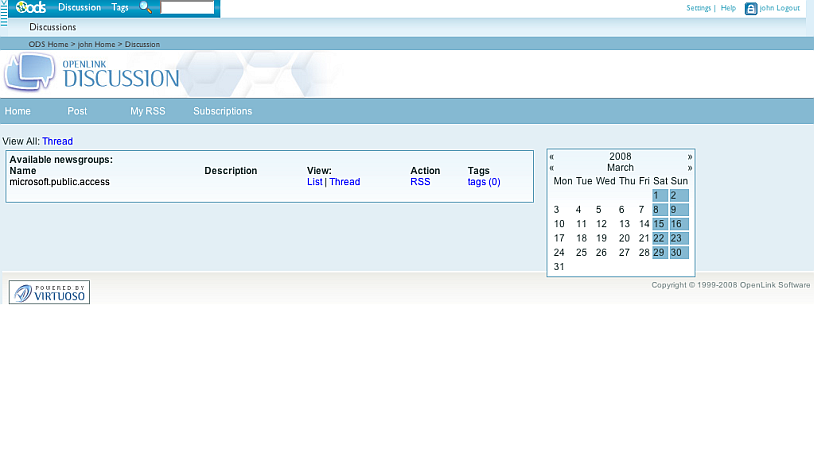
- Click the link "Discussions"
-
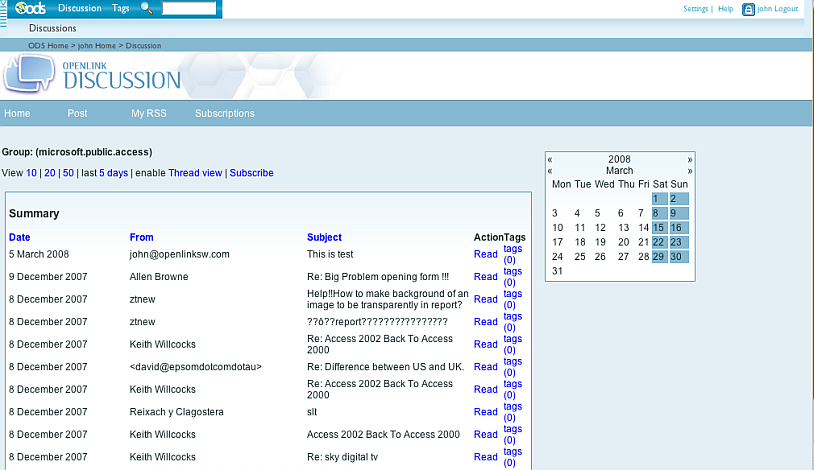
- Click the link "List" for the newsgroup you have posted your message to.
-
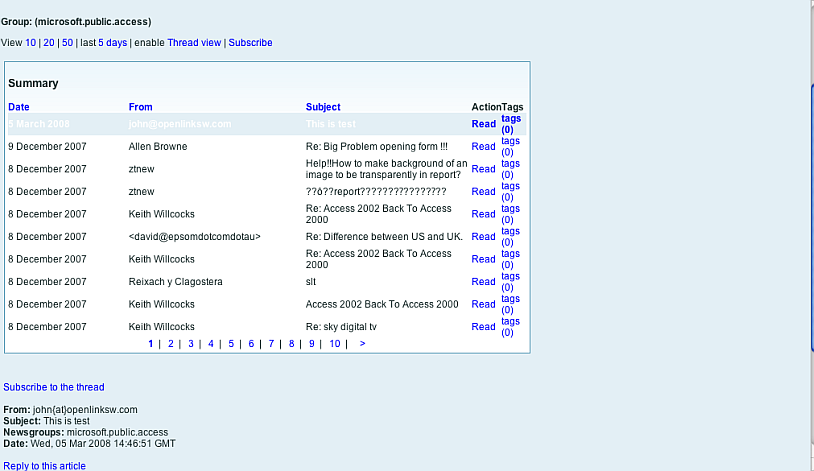
- Click the Read link for your message shown at the top of the messages list.
- As result your message details will be shown.
-
- Go to http://host:port/ods and login as ODS user.

URI Schemes
http://<your-instance-cname>/phpBB3/user/<ods-user-id>
Download
- You can download the phpBB3 VAD package from here.
References
See Also
Related
- Windows Vista (x64) Virtuoso Installation Movie
- Mac OS X (x64 & Universal binary) Virtuoso Installation Movie
- Virtuoso EC2 Cloud Edition Installation Movie
CategorySPARQL CategorySIOC CategoryODS CategoryWebSite