Installation and Configuration of the Virtuoso Faceted Browser
Prerequisites
Requires Virtuoso 6.0 TP1 or higher, either Open Source or Commercial Edition.
Pre Installation
Note: This step is not required for Virtuoso Release 6.1 and later.If you have an existing Virtuoso 6.0 installation, and your Quad Store has more than 10,000 triples, please run these commands using the Virtuoso isql program before installing the Faceted Browser VAD.
VAD Package Installation
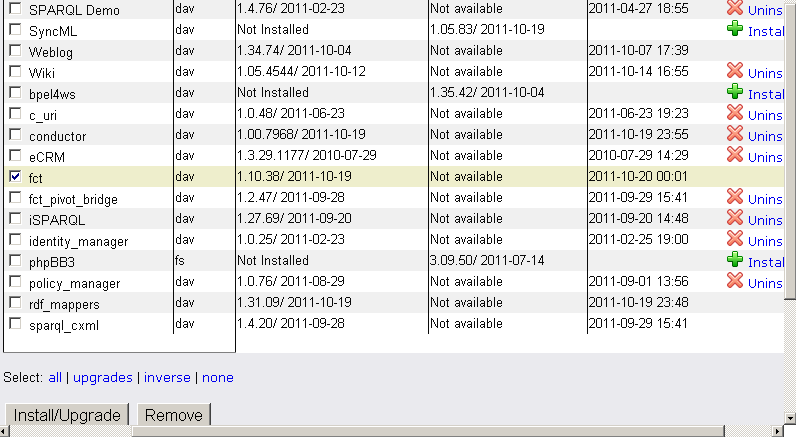
- Install the Virtuoso Faceted Browser VAD package called
fctfrom the available packages listed in the Install Packages section of the System Admin -> Packages tab of the Virtuoso Conductor. As an alternative you can download the VAD from our public download store.
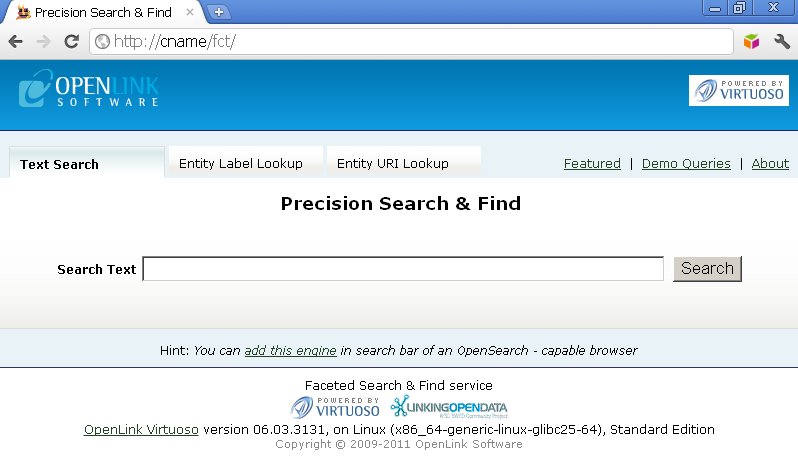
- The HTML interface of the Faceted Browser Engine is exposed at:
http://<cname>/fct, where "cname" is the <hostname>:<port-number> your Virtuoso instance is running on.
- The Faceted Browser Engine exposes a REST API at the endpoint:
http://<cname>/fct/service.
Post Installation
- Build Full Text Indexes by running the following commands using the Virtuoso
isqlprogram:
RDF_OBJ_FT_RULE_ADD (null, null, 'All');
VT_INC_INDEX_DB_DBA_RDF_OBJ ();
- Run the following procedure using the Virtuoso
isqlprogram to periodically populate label lookup tables and activate theLabeltext box of theEntity Label Lookuptab:
urilbl_ac_init_db()
- Run the following procedure using the Virtuoso
isqlprogram to calculate the IRI ranks. Note: This should be re-run periodically as the data grows to re-rank the IRIs.
s_rank()
- Fetch some Network Resources data to load some RDF triples in the quad store.
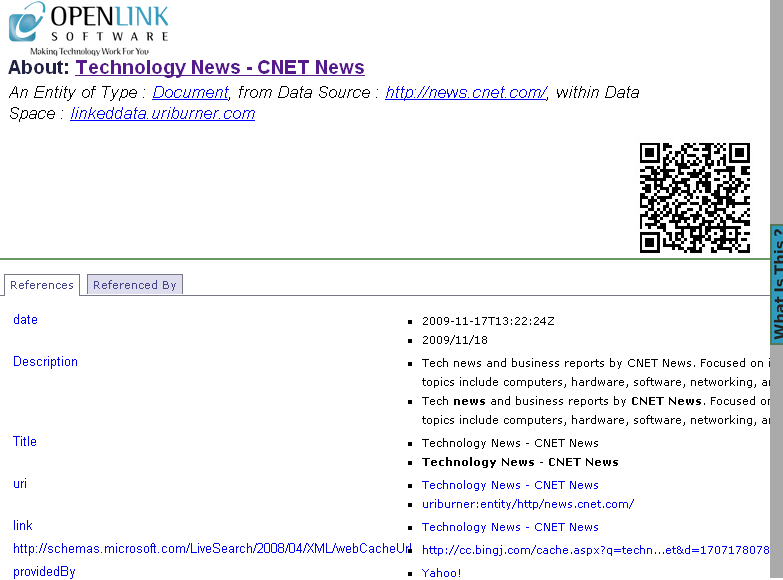
This can easily be done by first installing the Virtuoso Sponger Middleware VAD and then loading the following URL in a Web browser, which will use the built-in Virtuoso
description.vsppage to provides a hypertext description of RDF Linked Data. You may substitute any live Web page URL for "http://news.cnet.com/" but it is best if you select one known to have plenty of data.
http://<cname>/about/html/http://news.cnet.com/
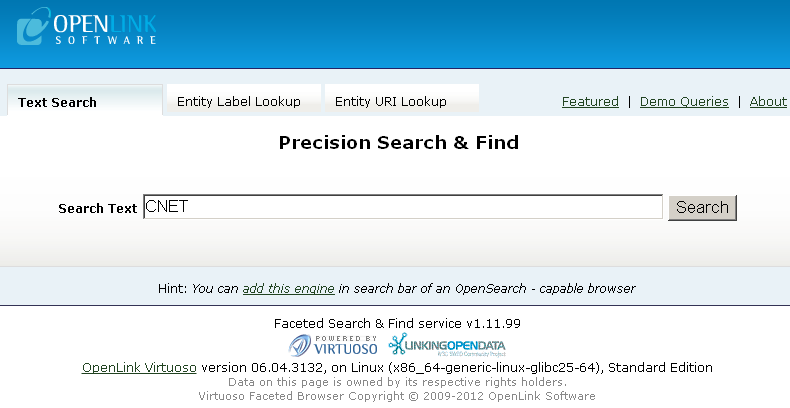
- Use the Faceted Browser Search and Find User Interface to search for information on "CNET":
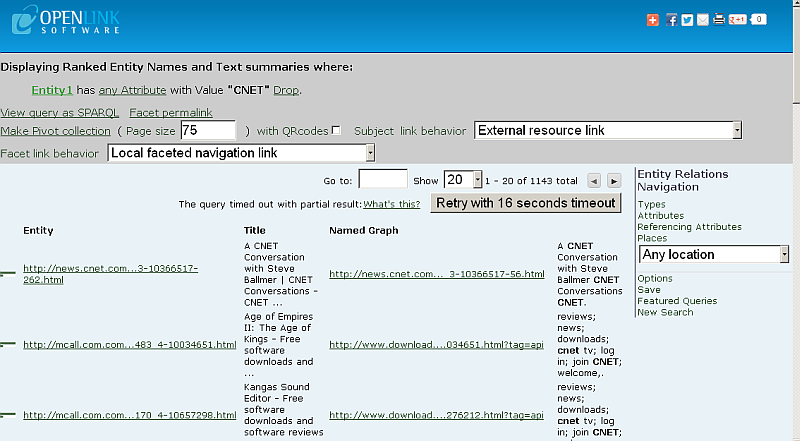
- Results of the following form should be returned for the Network resource being fetched:
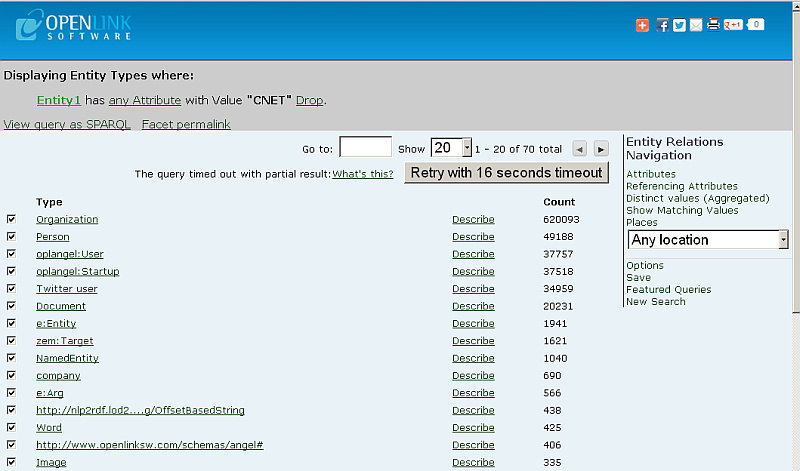
- Click Types link shown at the right vertical Navigation:
- Results of the classes/properties should be returned:
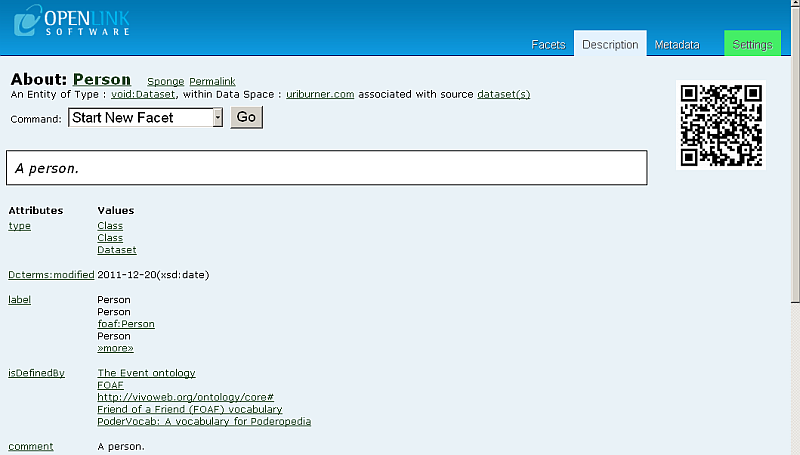
- To get Type description, click "Describe" link for a given type, for ex. "Person".
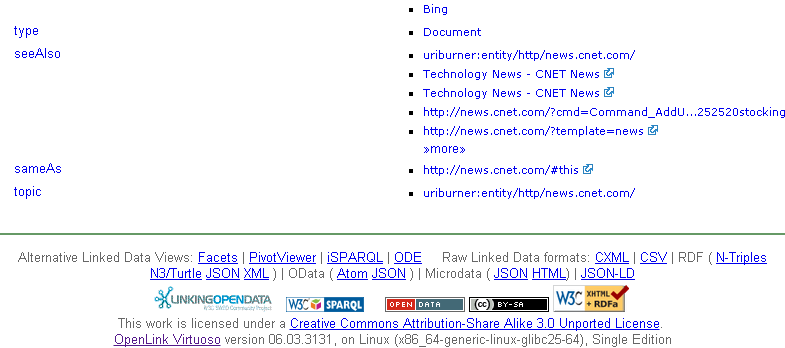
- A list of attributes and values should be presented for the given resource.
Note that automatically is generated QRCode image for the described entity.
- Return back to the Attributes list from above by going to the "Facets" tab.
- To exclude a type, un-tick the checkbox associated with the type:
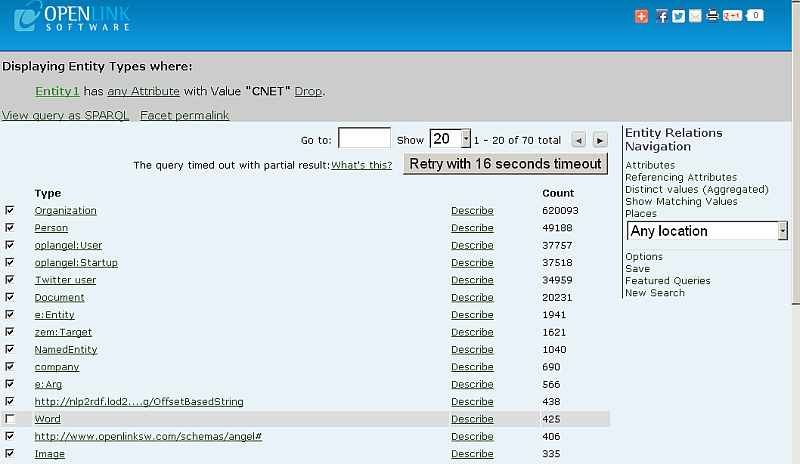
- Click the Type URI link:
- Results of excluding the Type(s) should be shown:
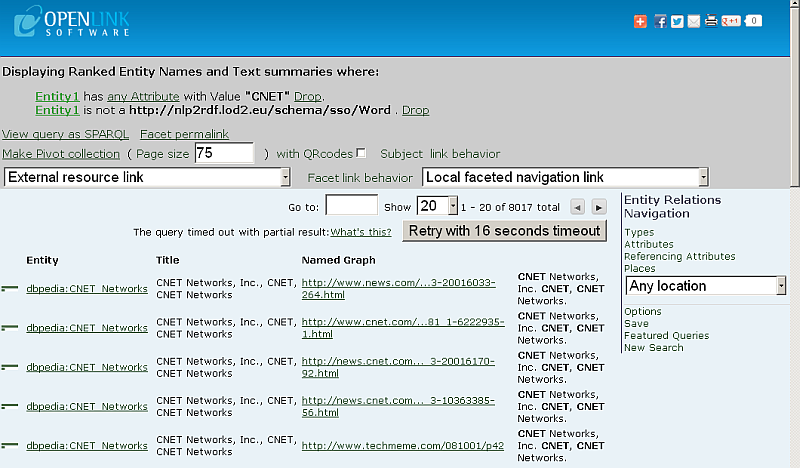
- The Faceted Browser Web service endpoint can also be queried to obtain the same results.
- Click "New search" from the Entity Relations Navigation and go to "Entity Label Lookup" tab:
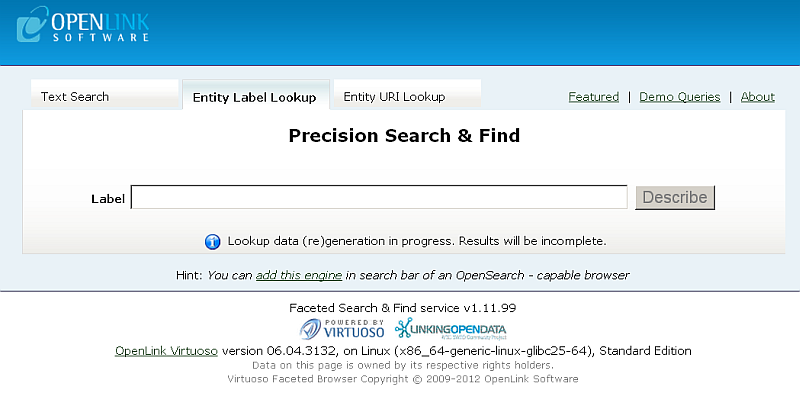
- In the Label auto-complete text box of the Entity Label Lookup tab, enter the name of an rdfs label to be
Described:
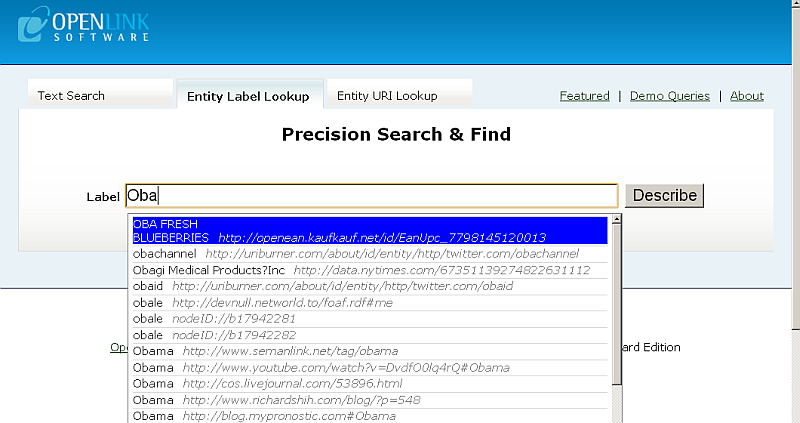
- Select a URI from the list of available Labels to obtain a description of the URI:
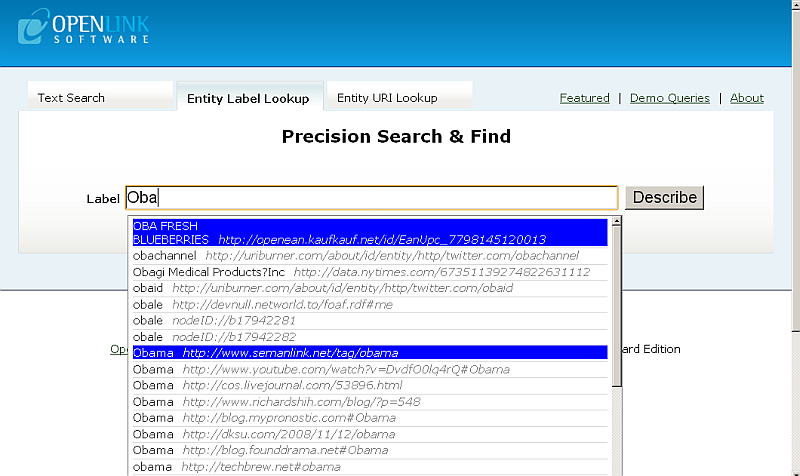
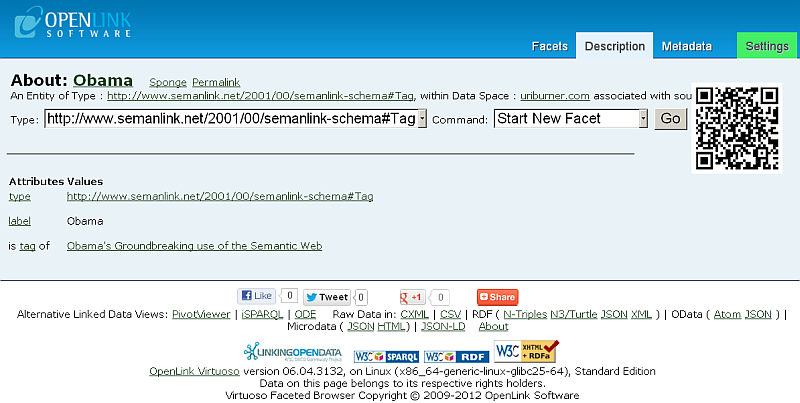
- Click "Facets" and go to "Entity URI Lookup" tab:
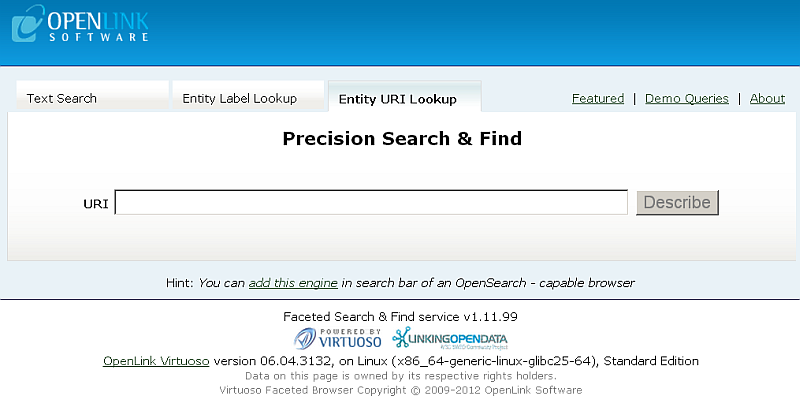
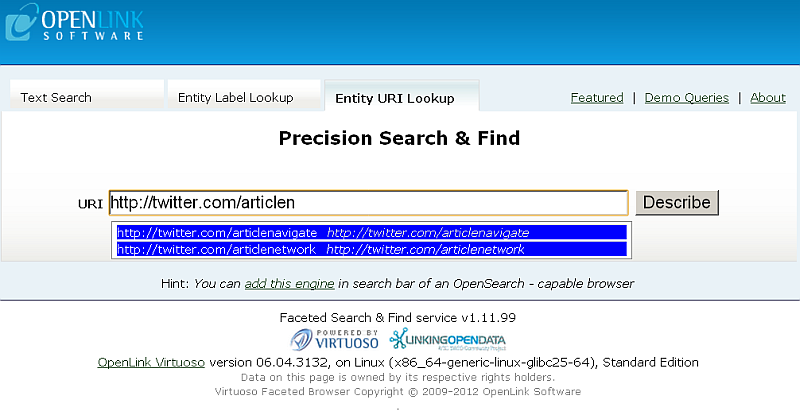
- In the URI auto-complete text box of the Entity URI Lookup tab enter the name URI to be
Described:
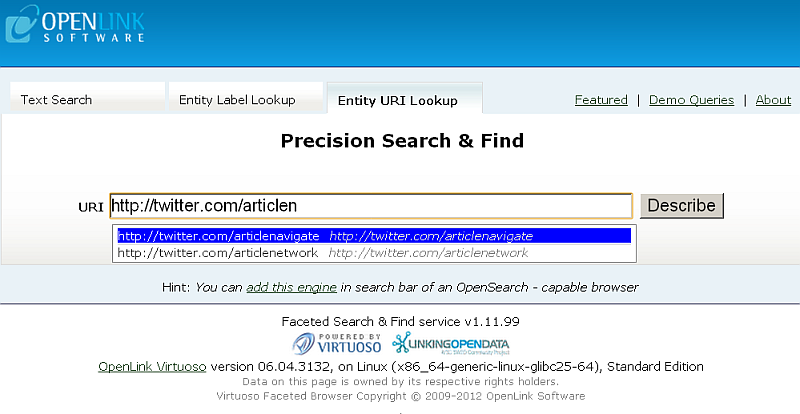
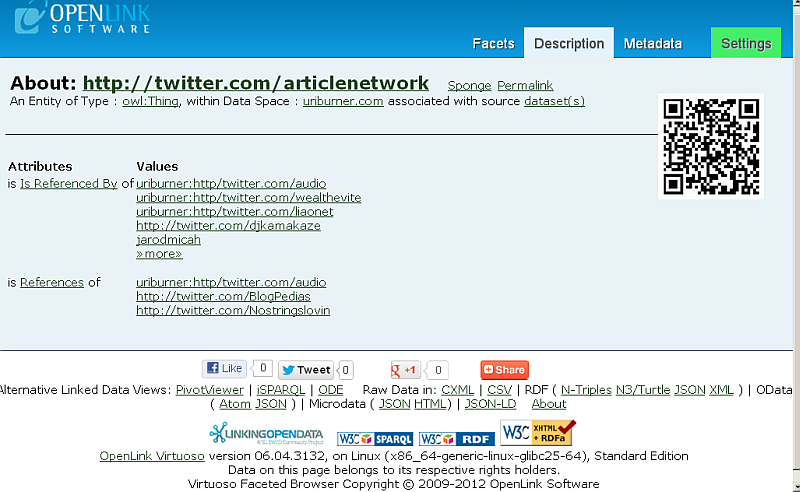
- Select a URI from the list of available Labels to obtain a description of the URI:
- If data is loaded into the quad store via DML functions (
TTLP,RDF_LOAD_RDFXML, etc.), the following procedure needs to be run fromisqlto rebuild the free text indexes each time:
VT_INC_INDEX_DB_DBA_RDF_OBJ ()
URI Labels
- Go to http://<cname> fct
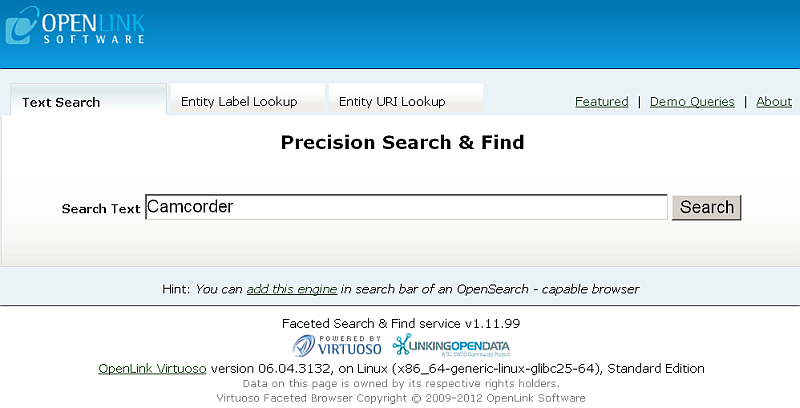
- Enter a free text search pattern (for example, "
Camcorder" as consumer product), and click Search:
- Your initial query results page will display a list of literal value snippets where for each URL will be displayed a label:
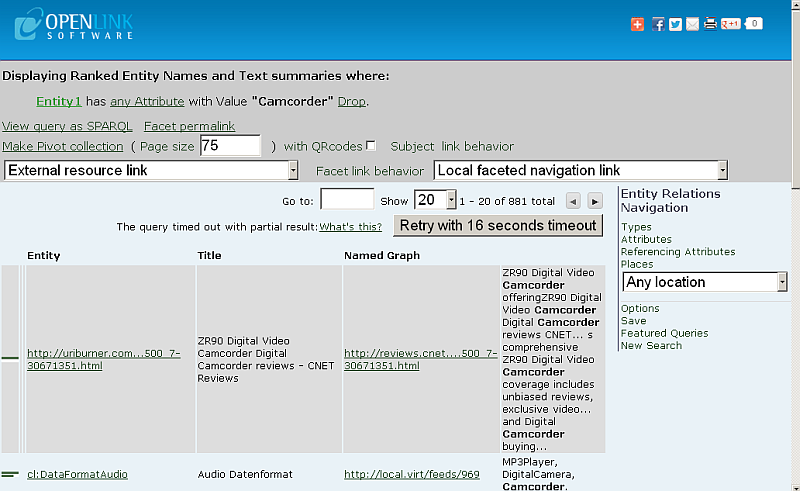
- Click for ex. on the URL link of the first row result.
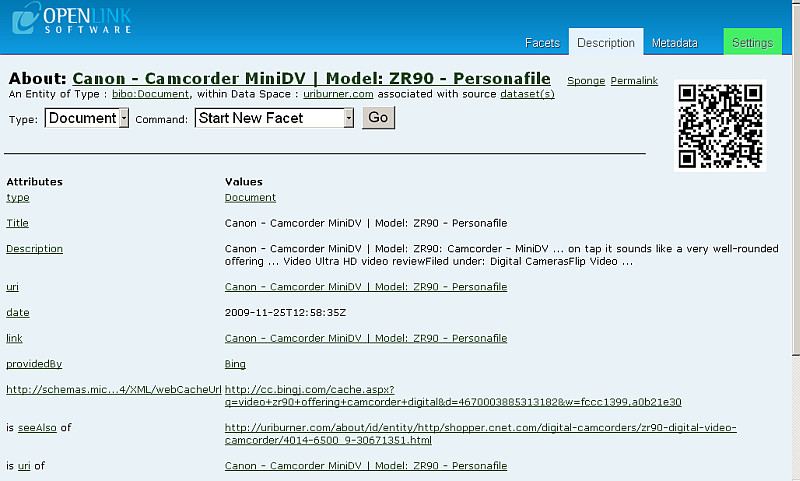
- The product description page should be shown and a list of Attributes and Values will be presented:
Usage Statistics
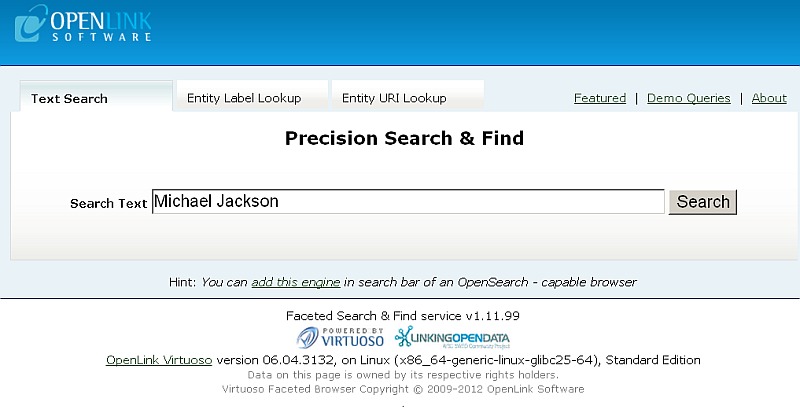
- Use the Faceted Browser Search and Find User Interface to search for information on "Michael Jackson":
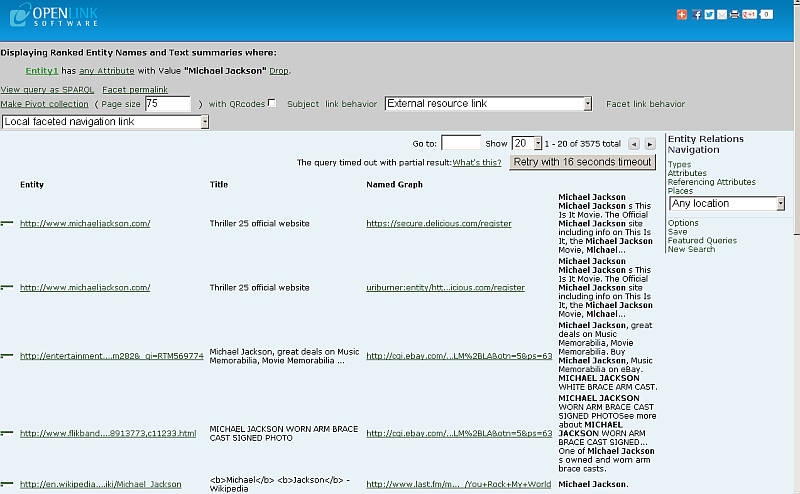
- Results of the following form should be returned for the Network Resource being fetched:
- Click the "Types" link under "Entity Relations Navigation".
- Results about "Michael Jackson" as Type/Label/Count list should be displayed:
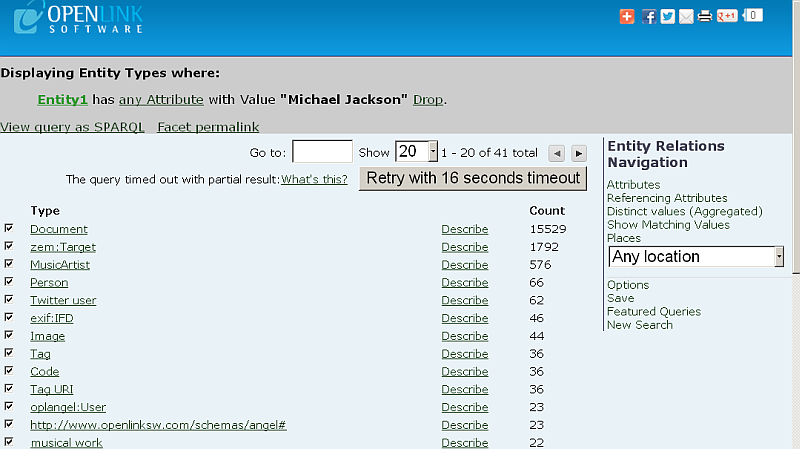
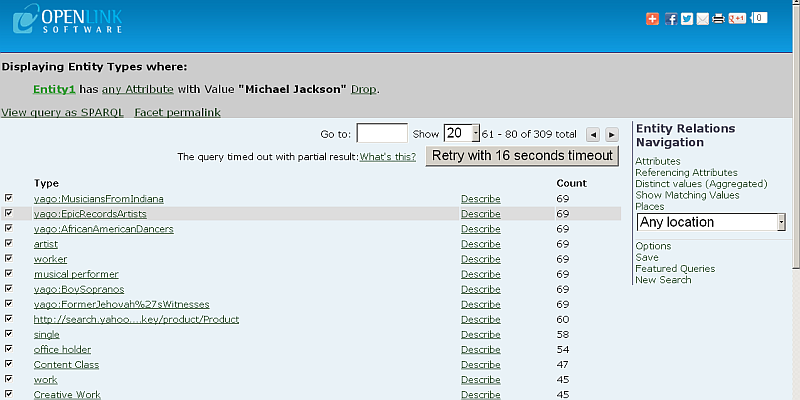
- You can navigate amongst the search results pages by using the "<" and ">" buttons.
Click for ex.
">" in order to view the next page results:
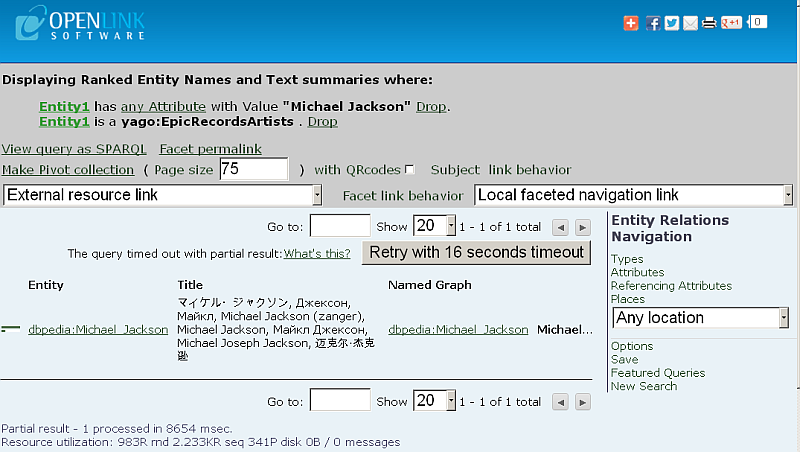
- Click a type link, for ex.:
yago:EpicRecordsArtist
- Displaying Ranked Entity Names and Text summaries should be shown:
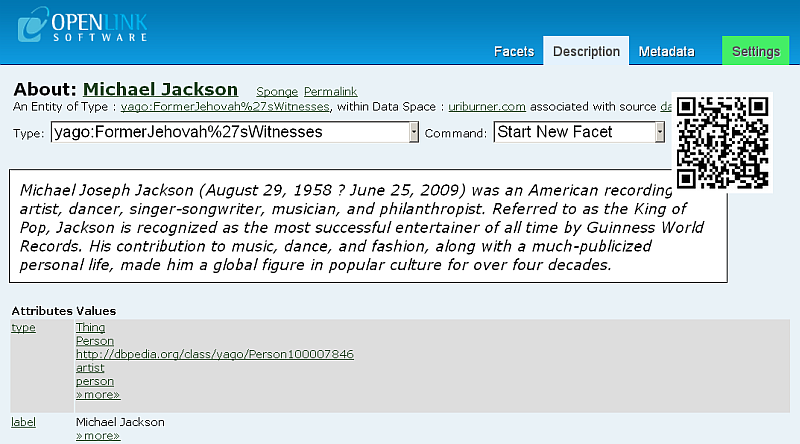
- Click the link:
dbpedia:Michael_Jackson
- Results about "Michael Jackson" as Attribute/Value list should be presented:
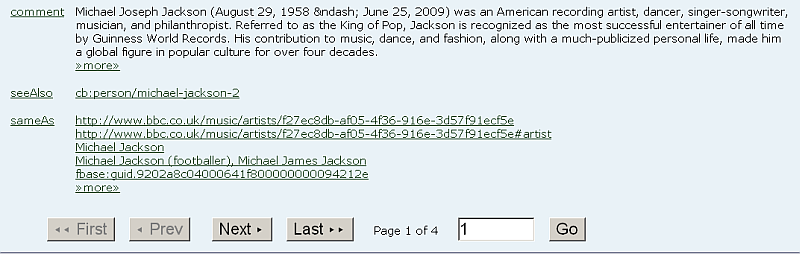

- Go to "Metadata" tab.
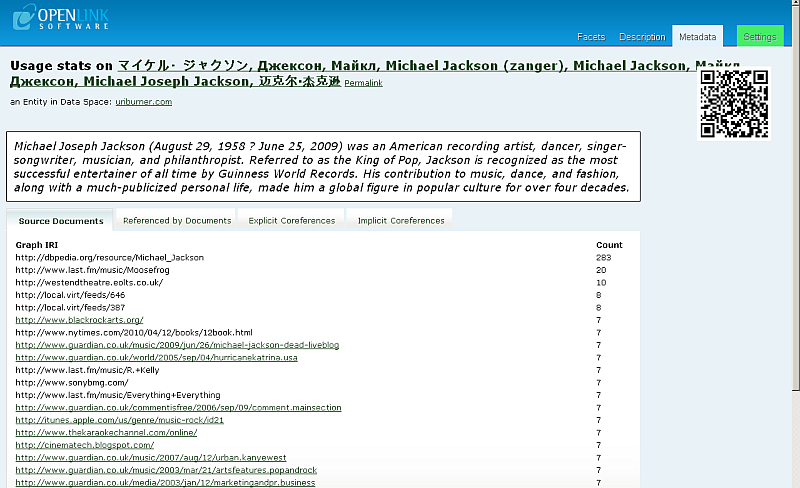
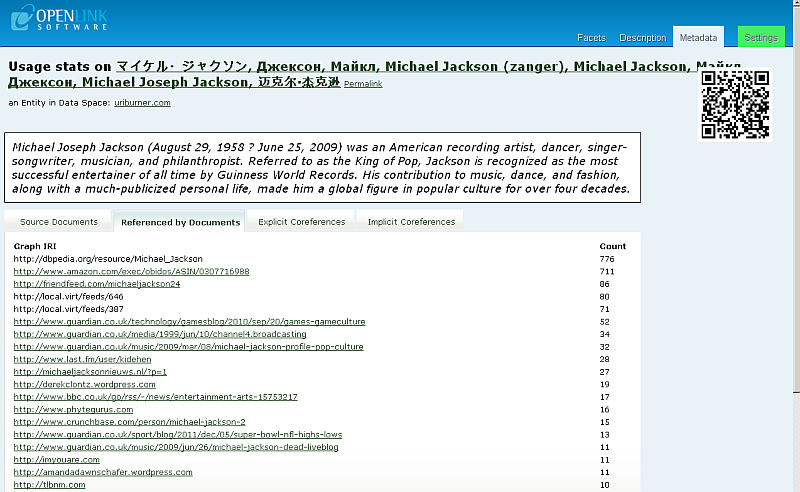
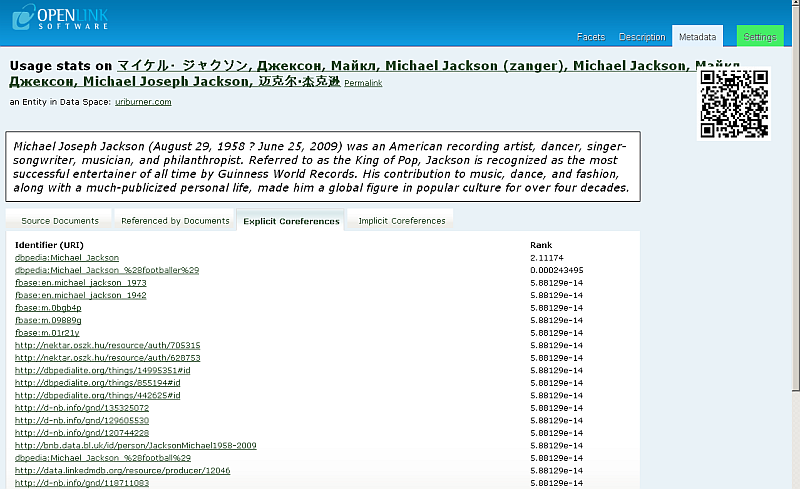
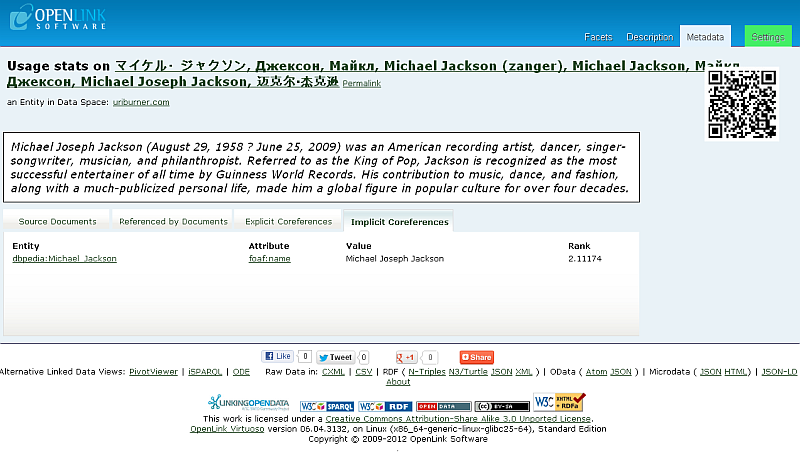
- Results of usage statistics for "Michael Jackson" grouped in 4 tabs should be shown:
-
Source Documents: shows how many times the URI is found as object in the relevant graph(s):
SPARQL
  SELECT ?g
         COUNT (*)
   WHERE
     {
       GRAPH ?g { ?s ?p <URI> }
     }
GROUP BY ?g
ORDER BY DESC 2
   LIMIT 20
;
-
Referenced by Documents: shows how many times the URI is found as subject in the relevant graph(s):
SPARQL
  SELECT ?g
         COUNT (*)
   WHERE
     {
       GRAPH ?g { <URI> ?p ?o }
     }
GROUP BY ?g
ORDER BY DESC 2
   LIMIT 20
;
-
Explicit Coreferences: shows results as subject and calculated rank, based on running transitive closure over owl:sameAs of the URI in subject or object:
SPARQL
  SELECT ?syn
         ( sql:rnk_scale (<LONG::IRI_RANK> (?syn)))
   WHERE
     {
       { SELECT ?s ?syn
          WHERE
            {
              {
                ?syn  owl:sameAs  ?s
              }
              UNION
              {
                ?s    owl:sameAs  ?syn
              }
            }
       }
       OPTION (transitive, t_distinct, t_min (0), T_in (?s), t_out (?syn)) .
       FILTER (!isliteral (?syn) && ?s = <URI> )
     }
ORDER BY DESC 2
   LIMIT 20
;
-
Implicit Coreferences: shows expanded results for objects concur with the URI by IFP:
SPARQL
  SELECT DISTINCT ?syn ?p ?o (sql:rnk_scale (<LONG::IRI_RANK> (?syn)))
   WHERE
     {
       <URI> ?p ?o .
     FILTER (0 != (<LONG::bif:rdf_is_sub> ("b3sifp", ?p, lod:ifp_like, 3))) .
       ?syn ?p ?o .
     }
ORDER BY DESC 4
   LIMIT 20
;
-
Source Documents: shows how many times the URI is found as object in the relevant graph(s):
Tutorials
Related
- Downloads
- Facets Web Service
- Linked Data
- Facet APIs
- Pivot Viewer and CXML
- Tutorials
- Faceted Browsing Sample using LOD Cloud Cache data space
- SOAP Facets Example
- Querying The Faceted Browser Web Service endpoint
- Virtuoso Faceted Browser Featured Queries
- Visualizing Your Data With PivotViewer Using The Faceted Browser
- Custom Controlling Virtuoso Labels for URI functionality Example
- Facets Web Service: Examples for customizing different types
- Facets Web Service: Choice of Labels Example