Securing your SPARQL Endpoint via OAuth
SPARQL endpoints are easy for random visitors to accidentally overload. Virtuoso allows you to secure your SPARQL endpoint against such abuses in various ways, including OAuth.
Sample scenario
The following sample scenario demonstrates the OAuth keys and Protected SPARQL Endpoint features of the Virtuoso Auth UI:
- Download and install the Virtuoso Open Source Edition v7.2 ODS Framework VAD (VADs for other Open Source versions must be built from source)
- Go to
http://<cname>:<port>/conductor, where<cname>:<port>are replaced by your local server values. - Log in as user "
dba" or another user with DBA privileges - Go to System Admin-> User Accounts:
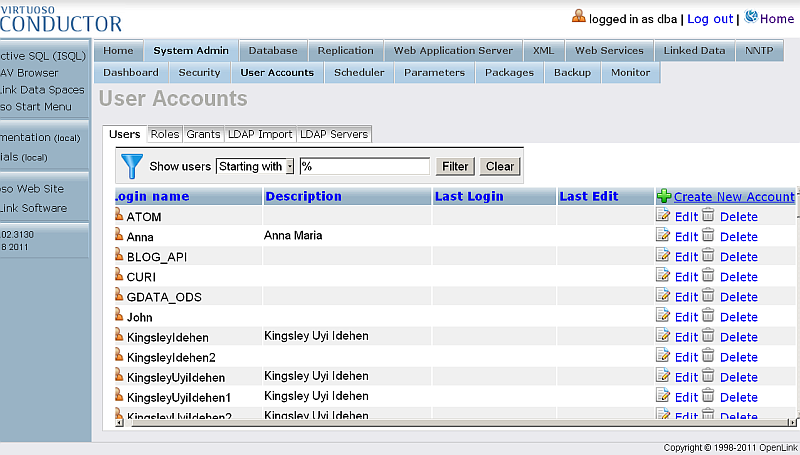
- Click "Create New Account":
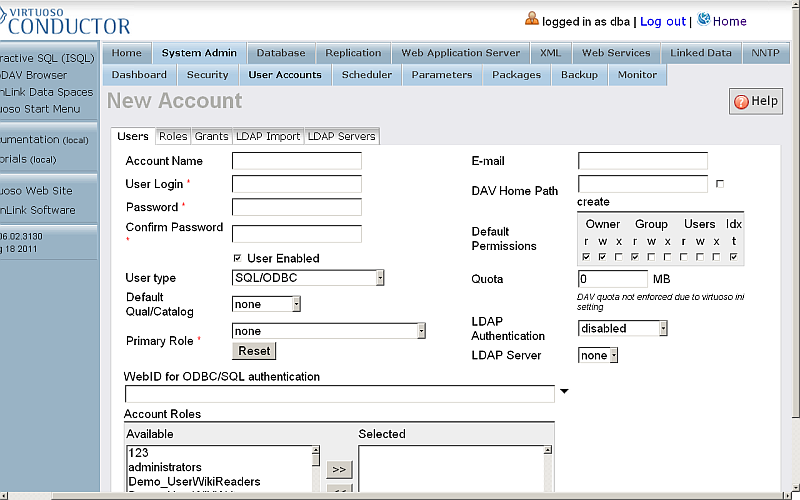
- In the presented form enter respectively:
- Account name, for ex:
demo1; enter password and then confirm it; - User type:
SQL/ODBC and WebDAV - Account role:
SPARQL_UPDATE
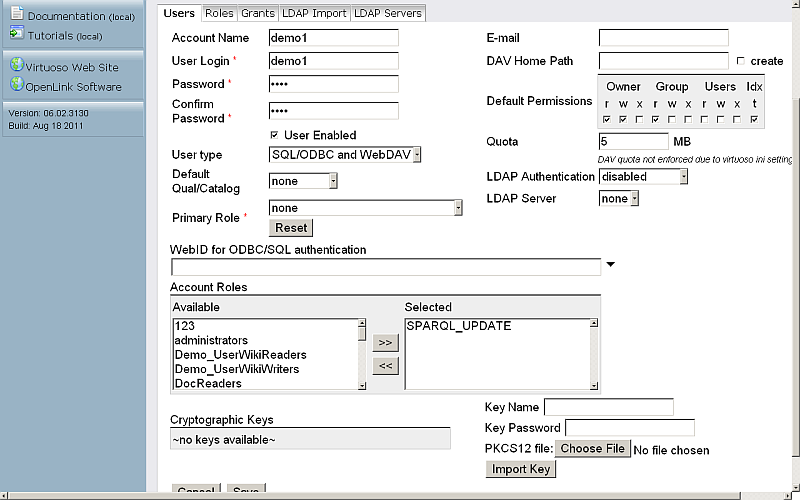
- Account name, for ex:
- Click "Save".
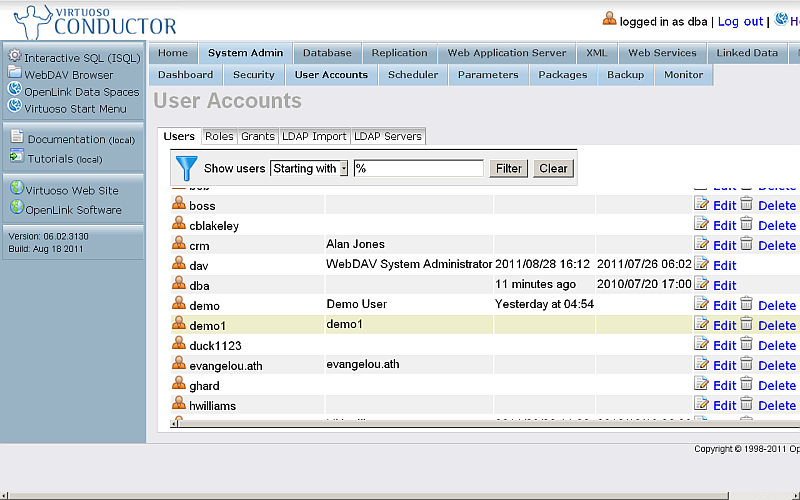
- The created user should be shown in the list of registered users:
- Go to
http://<cname>:<port>/oauth/, where<cname>:<port>are replaced by your local server values.

- Click the "OAuth Keys" link:
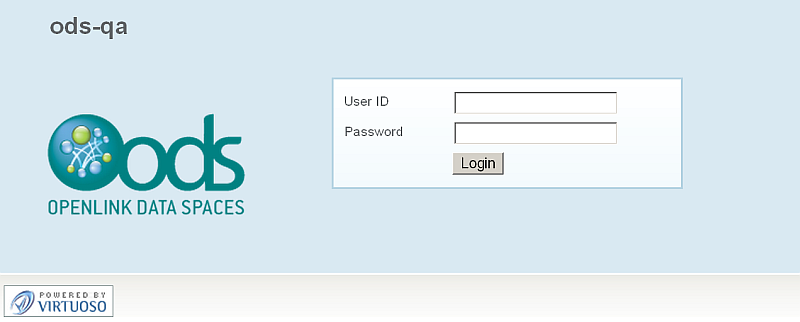
- Log in as user
demo1:
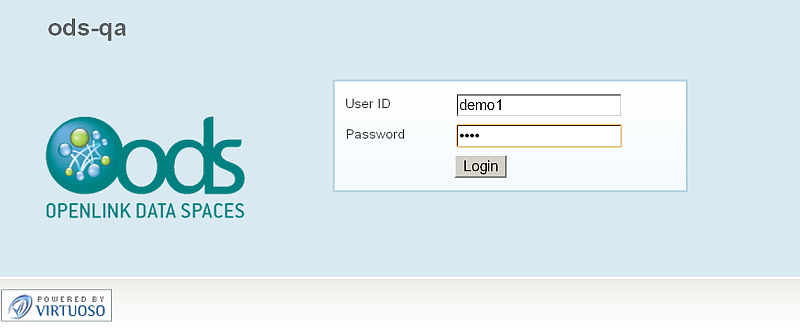
- The OAuth application registration form will be shown.
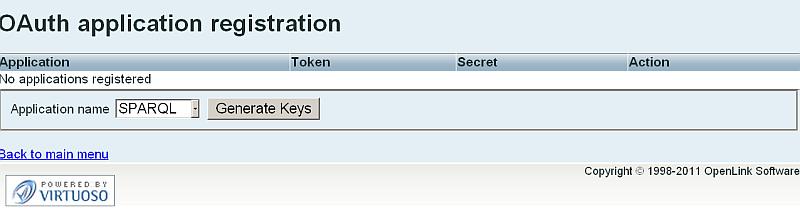
- Select SPARQL from the "Application name" list, and click the "Generate Keys" button.
- A Consumer Key for SPARQL will be generated:
90baa79108b1d972525bacc76c0279c02d6421e8
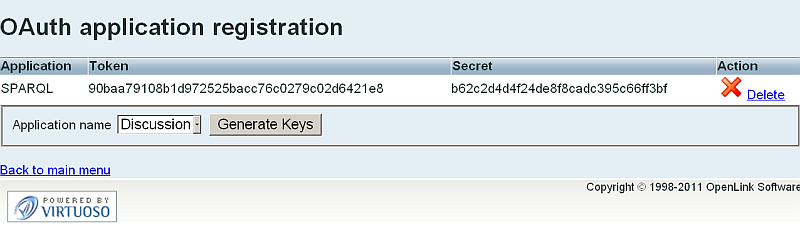
- Click the "Back to main menu" link.

- Click the "Protected SPARQL Endpoint" link.
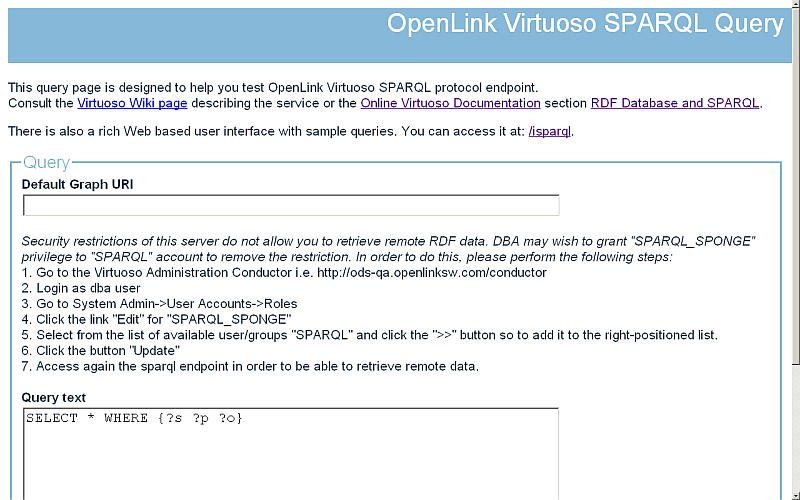
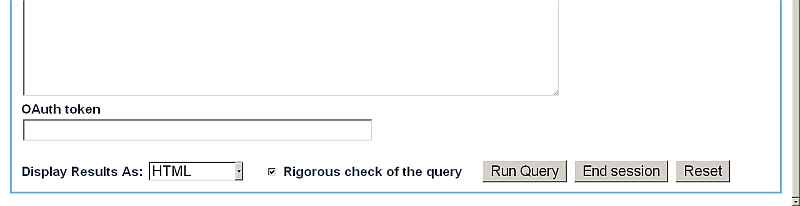
- The OpenLink Virtuoso SPARQL Query form will be shown:
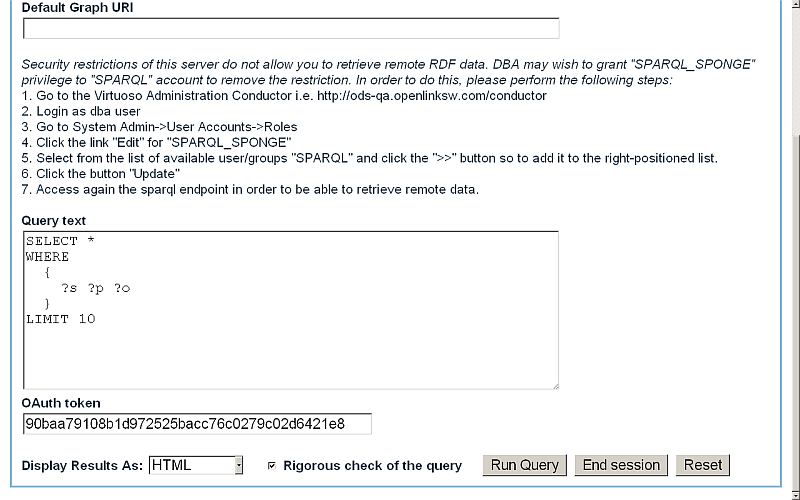
- Enter a simple query, for ex:
SELECT *
WHERE
  {
    ?s ?p ?o
  }
LIMIT 10
- For "OAuth token", enter the Consumer Key value which was generated above, i.e.,
90baa79108b1d972525bacc76c0279c02d6421e8
- Click the "Run Query" button.
- In the OAuth Authorization Service form, enter the password for user demo1 and click the "Login" button.
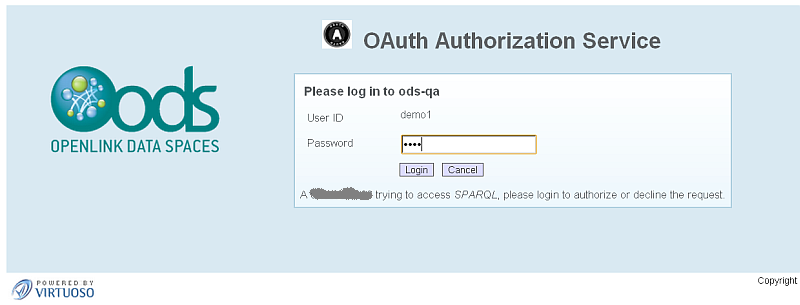
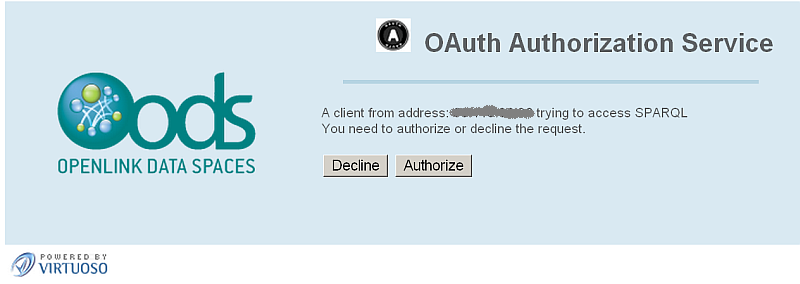
- Next you should authorize the request:
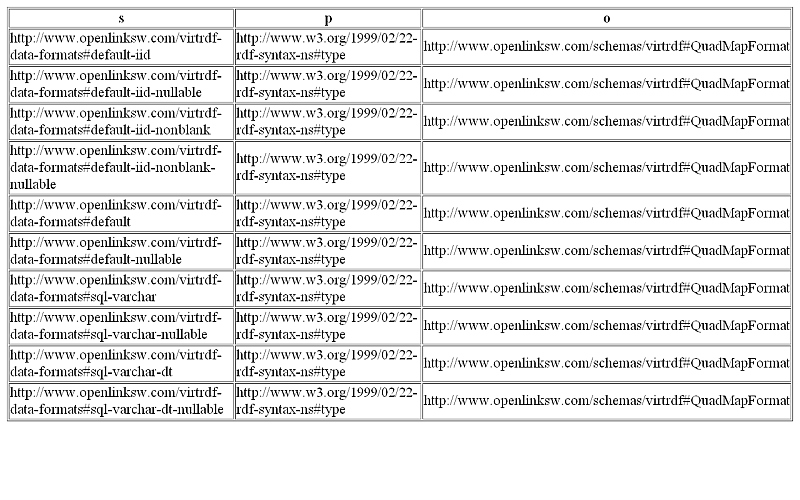
- On successful authentication and authorization, the query results should be shown:
Related
- Safeguarding your Virtuoso-hosted SPARQL Endpoint
- SPARQL Endpoint Protection Methods Collection
- Virtuoso documentation
- Virtuoso Tips and Tricks Collection
- SPARUL over SPARQL using the http://cname:port/sparql-auth endpoint
- Virtuoso Authentication Server UI
- Manage a SPARQL-WebID based Endpoint
- Configure Virtuoso instance as an X.509 Certificate Authority and HTTPS listener
- Configure Virtuoso+ODS instance as an X.509 Certificate Authority and HTTPS listener
- WebID Protocol Support in OpenLink Data Spaces.
- Manage ODS Dataspace Object
WebID Access Control Lists (ACLs): - Guide for Set up a X.509 certificate issuer and HTTPS listener and generate ODS user certificates.
- Setting up PubSubHub in ODS
- PubSubHubBub Demo Client Example
- Feed subscription via PubSubHub protocol Example
- Setting Up PubSubHub to use WebID Protocol or IP based control lists
- CA Keys Import using Conductor
- Generate an X.509 Certificate hosted WebID Guide
- Generate an X.509 Certificate (with a WebID watermark) to be managed by host operating system keystore
- Generate an X.509 Certificate (with a WebID watermark) to be managed by a browser-based keystore
- Using Virtuoso's WebID Verification Proxy Service with a WebID-bearing X.509 certificate
- Using Virtuoso's WebID Identity Provider (IdP) Proxy Service with an X.509 certificate
- ODS Briefcase WebID Protocol Share File Guide
- WebID Protocol Specification
- Test WebID Protocol Certificate page
- WebID Protocol Certificate Generation page
- OAuth API
CategoryVirtuoso CategoryHowTo CategorySPARQL CategoryOAuth CategoryFOAFSSL CategoryDocumentation CategoryTutorial